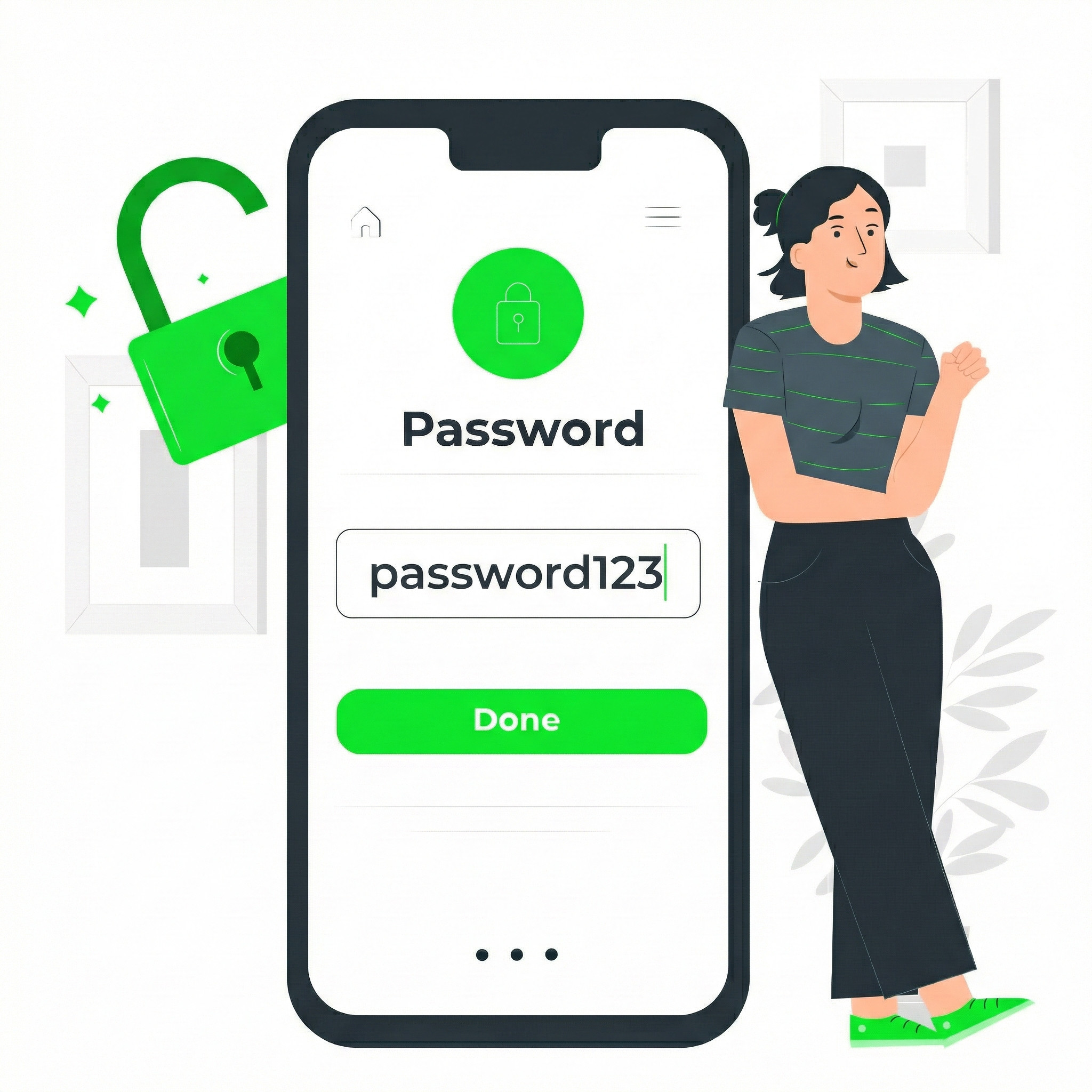

If we asked you to hand over your house keys to a stranger, you would say no. But if you are logging into your bank, email, or CRM using only a password, you are essentially hiding your key under the doormat and hoping no one looks there.
In 2026, the debate of MFA vs passwords is over: the “strong password” is a myth. You can have a 20-character password with symbols and numbers, but if that password is stolen in a server breach (which happens daily), the complexity doesn’t matter. The hacker has the key.
This is why Multi-Factor Authentication (MFA) is no longer optional. It is the single most effective way to stop a breach.
Here is a breakdown of the different “Factors,” ranked from “Better Than Nothing” to “Bulletproof.”
The Security Gap: MFA vs Passwords
Authentication comes down to three things:
Something you know (Password)
Something you have (Phone, Token, Key)
Something you are (FaceID, Fingerprint)
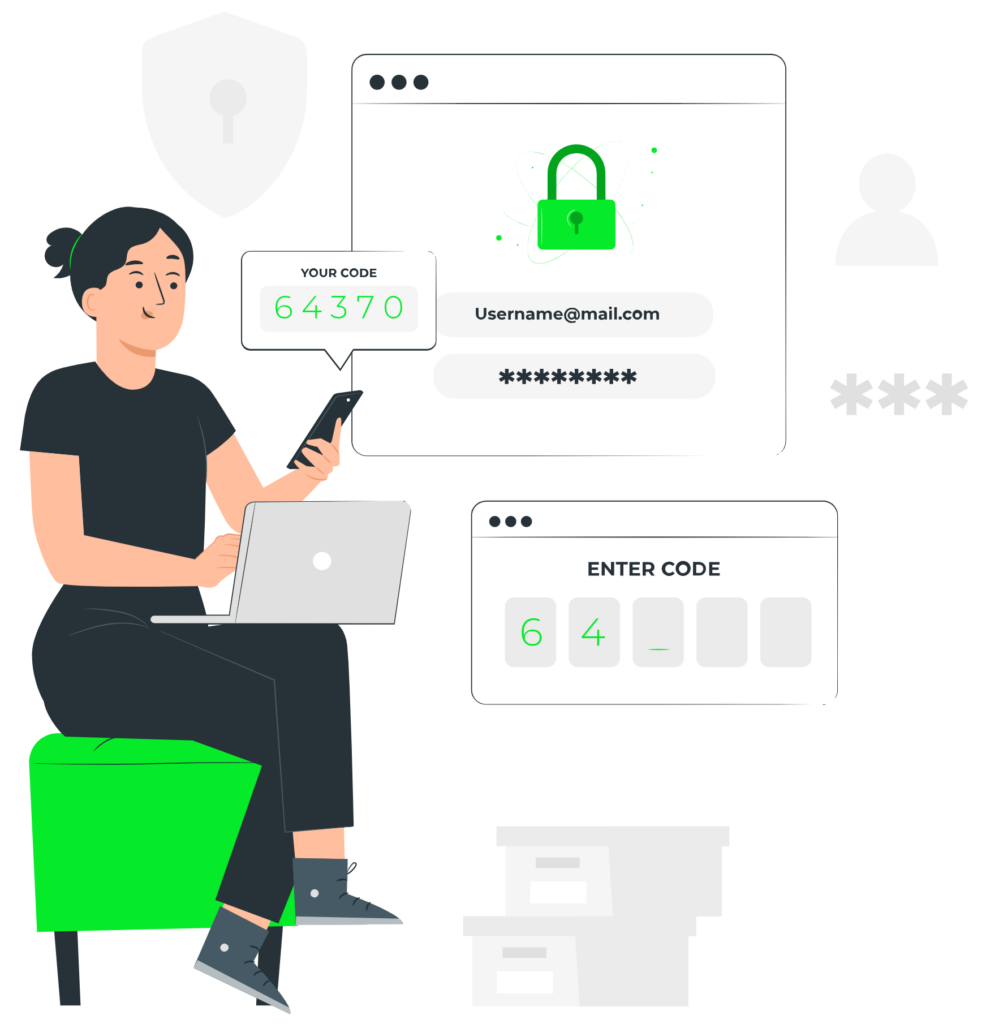
MFA simply means asking for two of these. If a hacker steals your password (what you know), they still can’t get in because they don’t have your phone (what you have).
Level 1: SMS and Email Codes (The "Better Than Nothing" Tier)
We have all used this. You type your password, and the bank texts you a 6-digit code.
The Good: It’s easy and works on every phone.
The Bad: It is vulnerable. SMS messages can be intercepted, and hackers can use “SIM Swapping” to trick your carrier into moving your phone number to their device. If they steal your phone number, they receive your reset codes.
Our Verdict: Use it if it’s the only option, but upgrade if you can.
Level 2: Authenticator Apps (The Industry Standard)
This involves apps like Google Authenticator, Microsoft Authenticator, or Authy.
How it works: The app generates a new 6-digit code every 30 seconds. This code is generated locally on your device—it is never sent over the airwaves.
The Upgrade: Even if a hacker has your password and intercepts your text messages, they cannot get in unless they physically steal your unlocked phone.
Our Verdict: This is the minimum standard we recommend for all business email and admin accounts.
Level 3: Passkeys (The Future is Here)
You may have noticed Google and Apple pushing “Passkeys” recently. This is the biggest shift in security in decades.
How it works: There is no password to remember. When you go to log in, your phone (or computer) pops up a prompt: “Do you want to sign in?” You scan your face (FaceID) or fingerprint to confirm.
Why it’s revolutionary: Behind the scenes, your device exchanges a cryptographic key with the website.
The Security Win: Passkeys are phishing-resistant. If a hacker sends you a fake link that looks like
google.combut is actuallyg00gle.com, your Passkey will refuse to work. It knows the website isn’t real, even if you were fooled.
The "Inconvenience" Myth
We hear it all the time: “MFA takes too long.”
It takes roughly 6 seconds to open an app and type a code. Recovering from a ransomware attack or a stolen bank account takes weeks, costs thousands of dollars, and destroys your reputation.
Security is about friction. We want to add just enough friction to stop the bad guys, without stopping you.
Summary Checklist
Turn on MFA for your Email, Banking, and Domain Registrar immediately.
Avoid SMS if an App option is available.
Try Passkeys wherever possible—it’s actually faster than typing a password!
Don’t wait for a breach to take security seriously. Contact Carl’s Consulting Agency for a security audit, and let us help you implement MFA across your organization without disrupting your workflow.